Selling online
Online stores
I build online stores that are easy to buy from, whether you sell one product or a full catalog.
At a glance
S-02 · Online stores
Easy to buy from
A buyer picks a product, sees the total and pays. On a small store there's no cart to manage and no account to create.
Card numbers stay off your site
Stripe or Shopify runs the checkout and handles the card details. Your website never stores a card number.
Sized to what you sell
A few products usually sell through Stripe payment links. A big catalog usually fits Shopify better. I'll tell you which one fits before I build anything.
Buyers know what happens next
Shipping, returns and common questions are answered in plain words before anyone pays.
Changes without code
On Shopify, you can add products and change prices yourself. On a small store, you send me the change.

Who it’s for
You have something to sell, and you want people to buy it straight from your own website. It might be one product. It might be a handful. It might be a whole shop’s worth.
You don’t need to know how online payments work. That part is my job.
What I build
The right store depends on how much you sell.
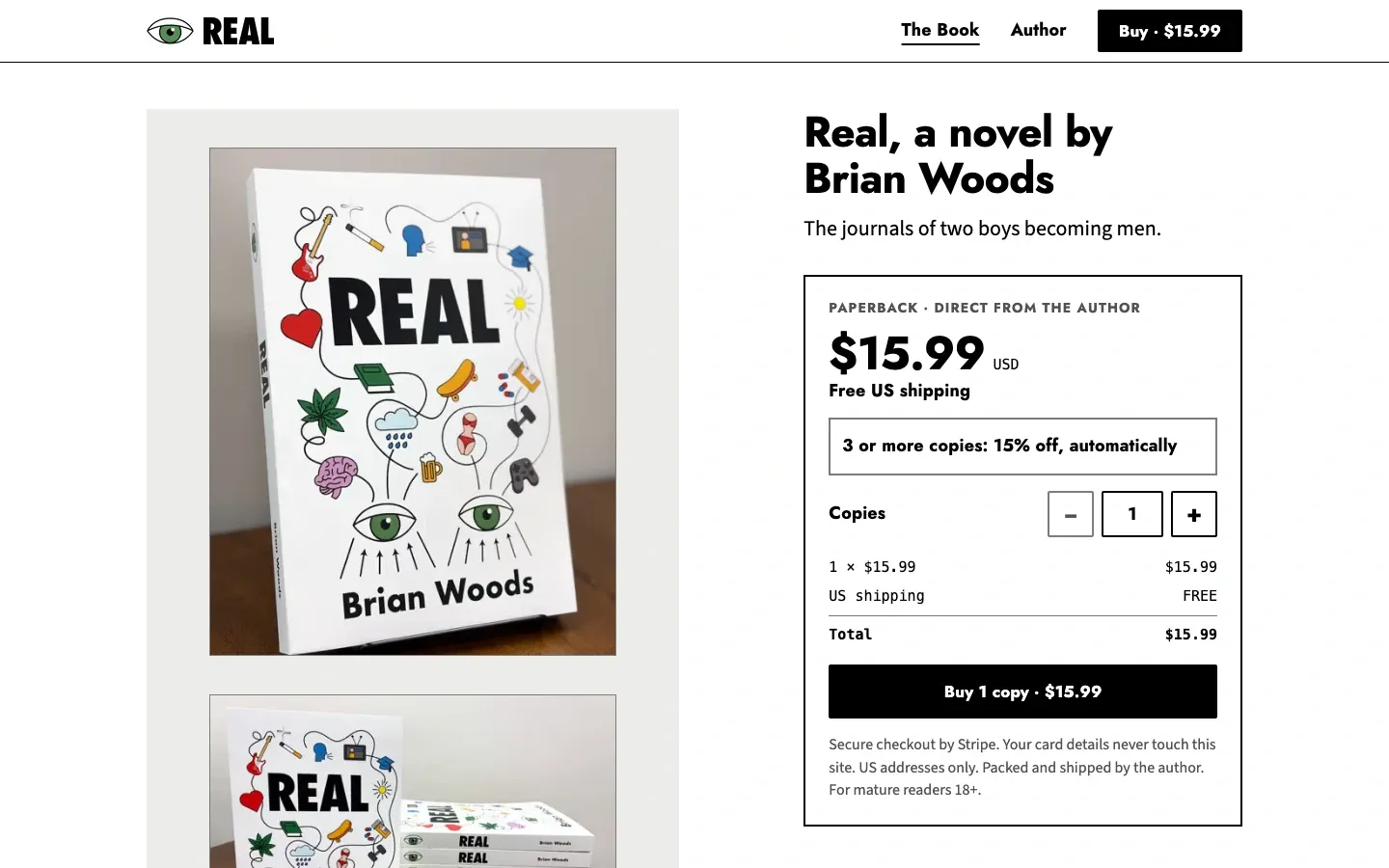
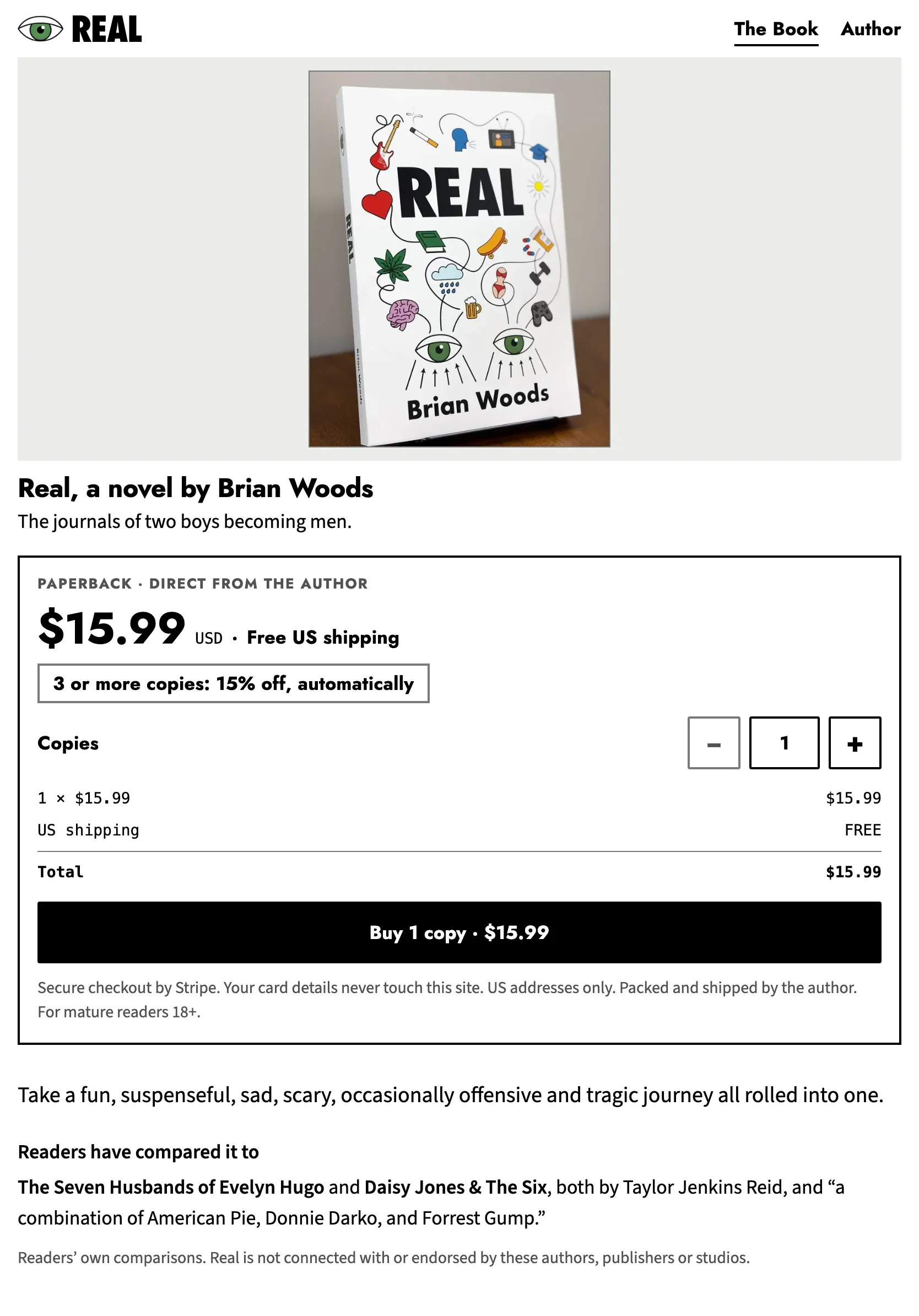
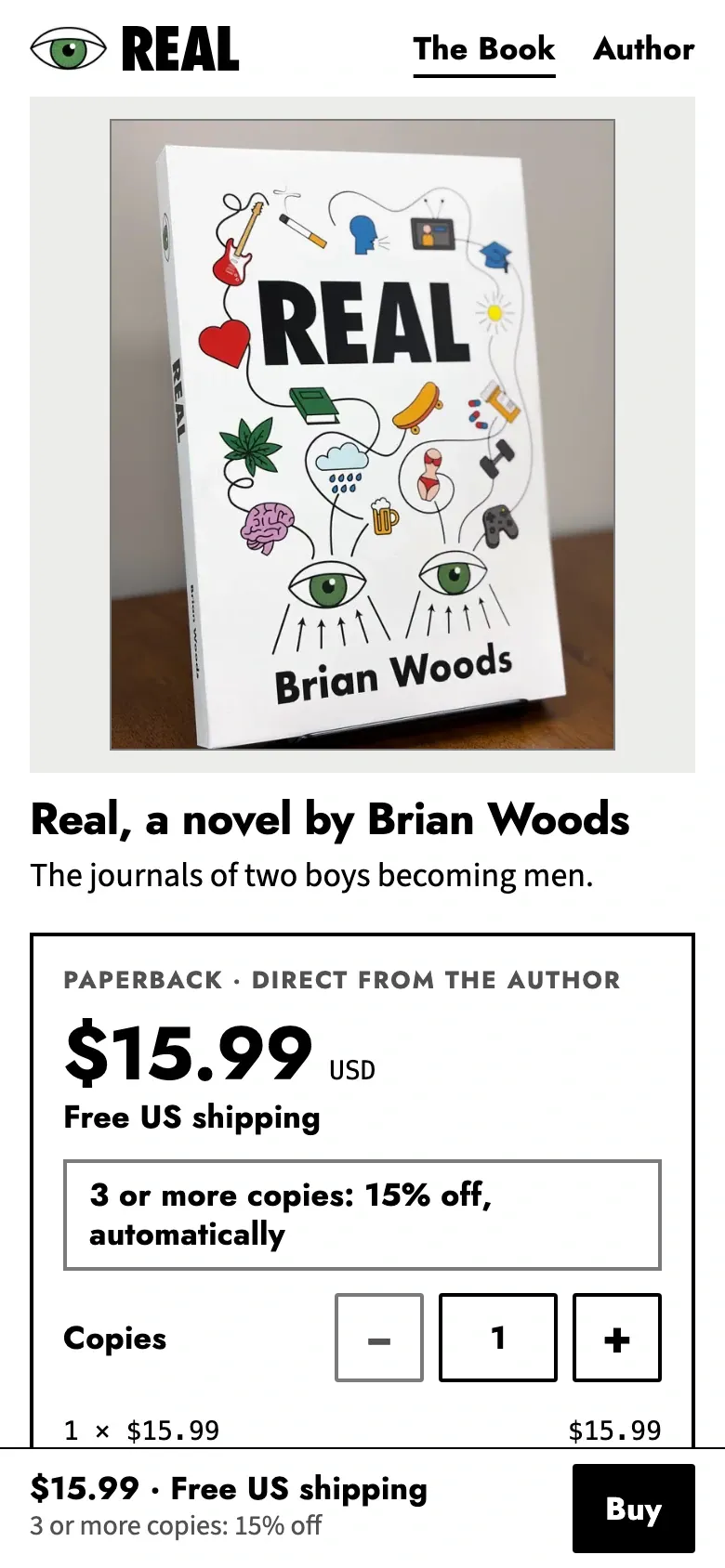
A few products. I usually use Stripe payment links. The buyer clicks Buy and pays on a checkout page that Stripe runs. There’s no cart to manage and no account to create. I built a one-book store for a debut novel this way. The buyer picks how many copies, sees the total and pays. A discount kicks in on its own at three or more copies.
A full catalog. If you carry a lot of products and need to keep track of stock, Shopify is usually the better fit. You can add products and change prices yourself, from a computer or from the Shopify app on your phone.
Either way, a few things hold:
- Card numbers stay off your website. Stripe or Shopify runs the checkout and handles the card details.
- Buyers know what happens next. Shipping, returns and common questions are answered in plain words before anyone pays.
- It works on a phone. The Buy button is easy to tap, and the total is clear before you pay.
I’ve also built a small shop into a bigger site. A therapy practice sells its own tools from its WordPress site, next to everything else the site does.
How the work goes
- We talk. You tell me what you sell, how many products you have and how you ship. That tells me which kind of store fits.
- You get a preview you can click. I build the store at a private link. Open it on your phone and go through it the way a customer would.
- It goes live. When the store looks right to you, it goes live at your web address.
- I keep looking after it. Products and prices change, and the store has to keep up.
After launch
On Shopify, you can change products and prices yourself whenever you want. On a small store with payment links, you send me the change and I take care of it.
The rest of the site works like any site I look after. With a care plan, you tell me what needs to change in plain words. I show you a preview, and it goes live when you approve it.
Not sure which kind of store you need? Tell me what you sell, and I’ll tell you which setup I’d use and why.
Work
Related work
01 / 02
Real by Brian Woods



02 / 02
Navigate Wellness
Questions
Common questions
Do I need Shopify to sell online?
Not always. If you sell a handful of products, I usually use Stripe payment links. The buyer clicks Buy, pays on Stripe’s checkout page, and you get the order. If you carry a lot of products and need to keep track of stock, Shopify is usually the better fit.
Can I sell just one or two products?
Yes, and a small store can stay simple. I built a one-book store for a debut novel with no cart and no account to create. The buyer picks how many copies, sees the total, and pays on Stripe. A discount kicks in on its own at three or more copies.
Is it safe to take credit cards on my website?
The safe way is to keep card numbers off your website completely. With Stripe payment links, the buyer pays on a page that Stripe hosts, and Stripe handles the card details. On a Shopify store, Shopify handles card security. Either way, your website never stores a card number.
Can I add or change products myself?
On Shopify, yes. You can add products and change prices from the Shopify admin or the Shopify app on your phone. On a small store with payment links, you send me the change and I take care of it, the same as any other update to your site. Either way, you don’t need to touch code.
Services
Other services
S-01
Websites
I build fast, clear websites that say what you do, where you are and how to reach you.
S-03
SEO
I fix the things that hold your site back when people nearby search for what you sell.
S-04
iPhone apps
I build iPhone and iPad apps and take them all the way to the App Store.
Start
I build it. I keep it running.
Start with a free check of the site you have now, or tell me what you need built.
Or email hello@loomisbuilds.com