

01 / 07
Consumer app (Entertainment)
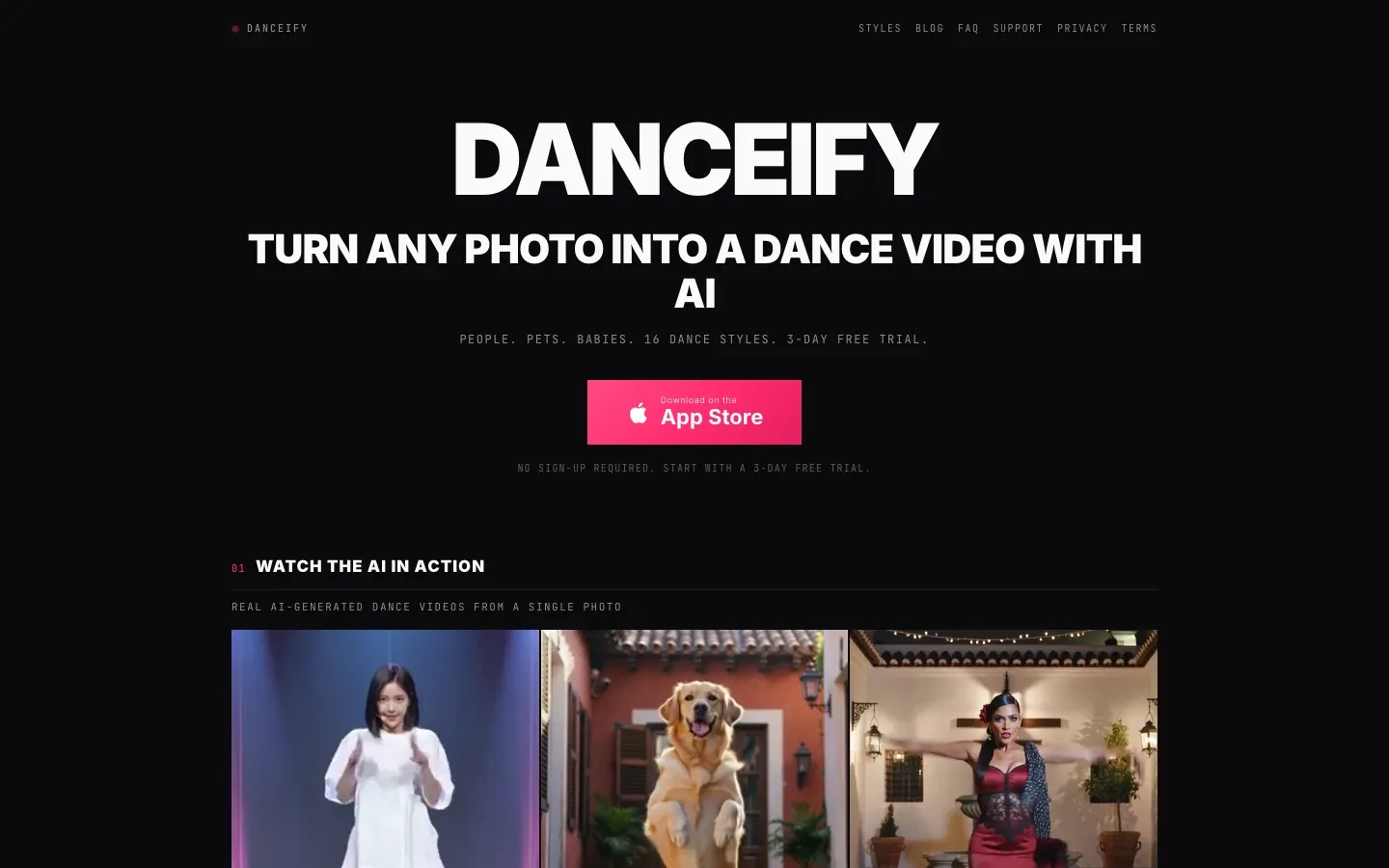
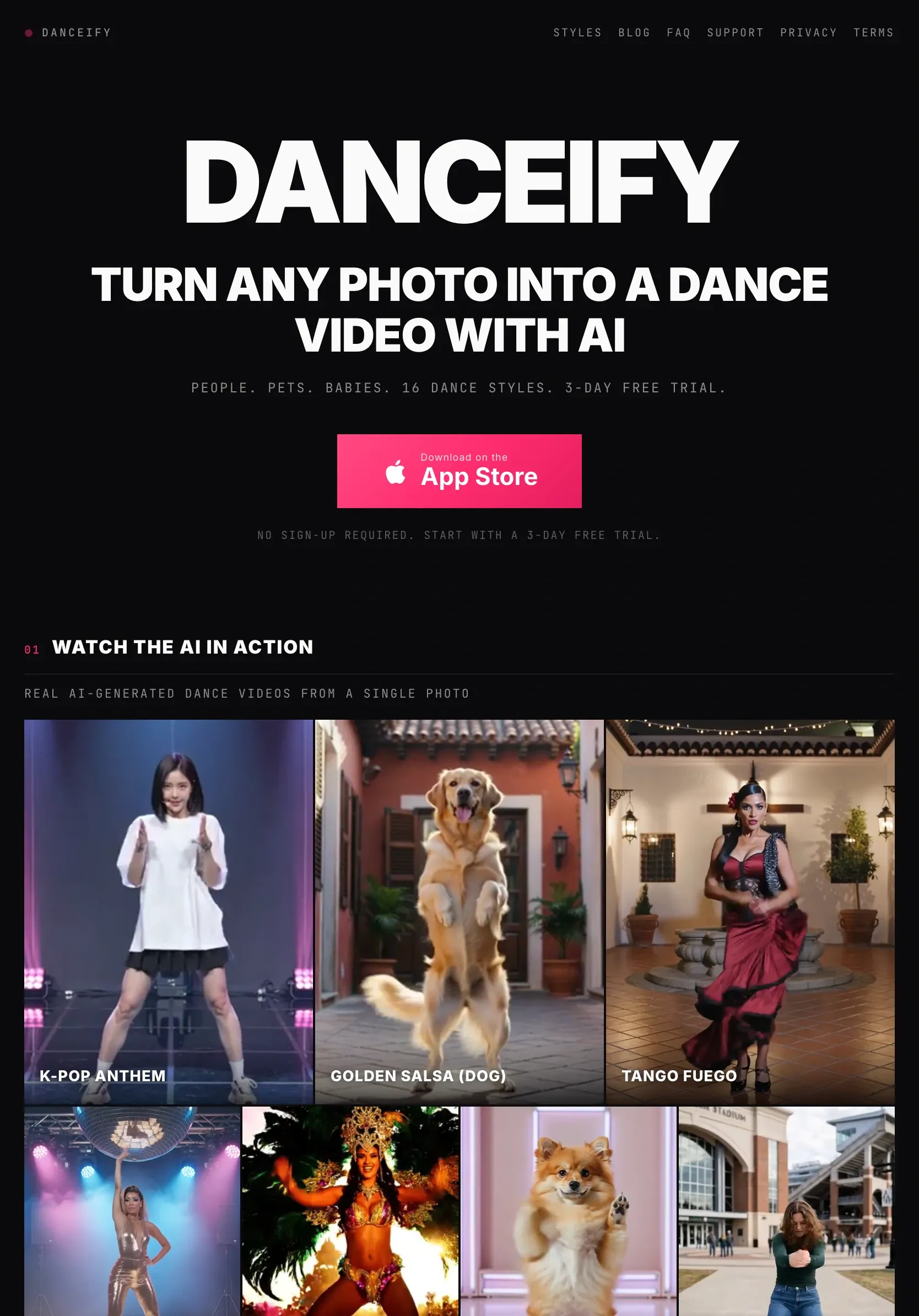
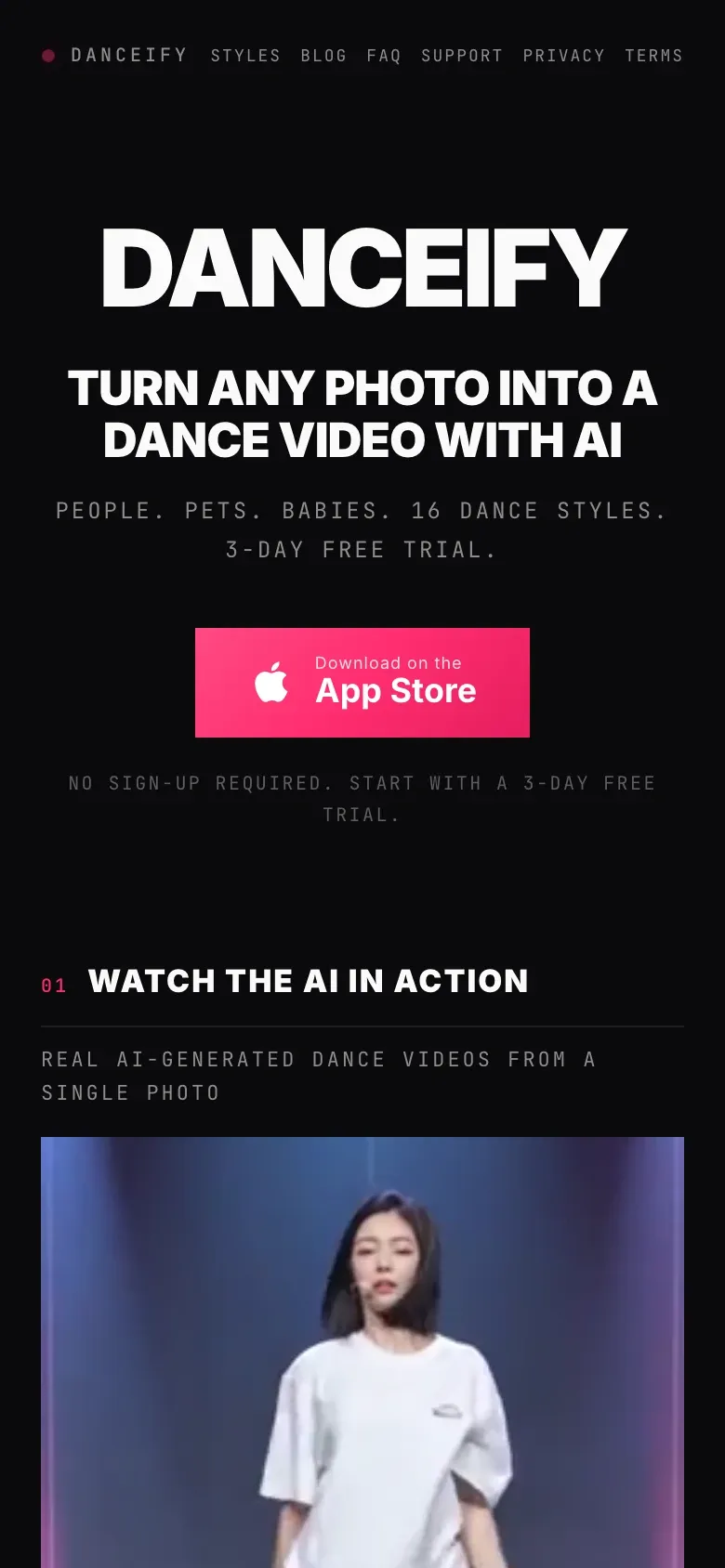
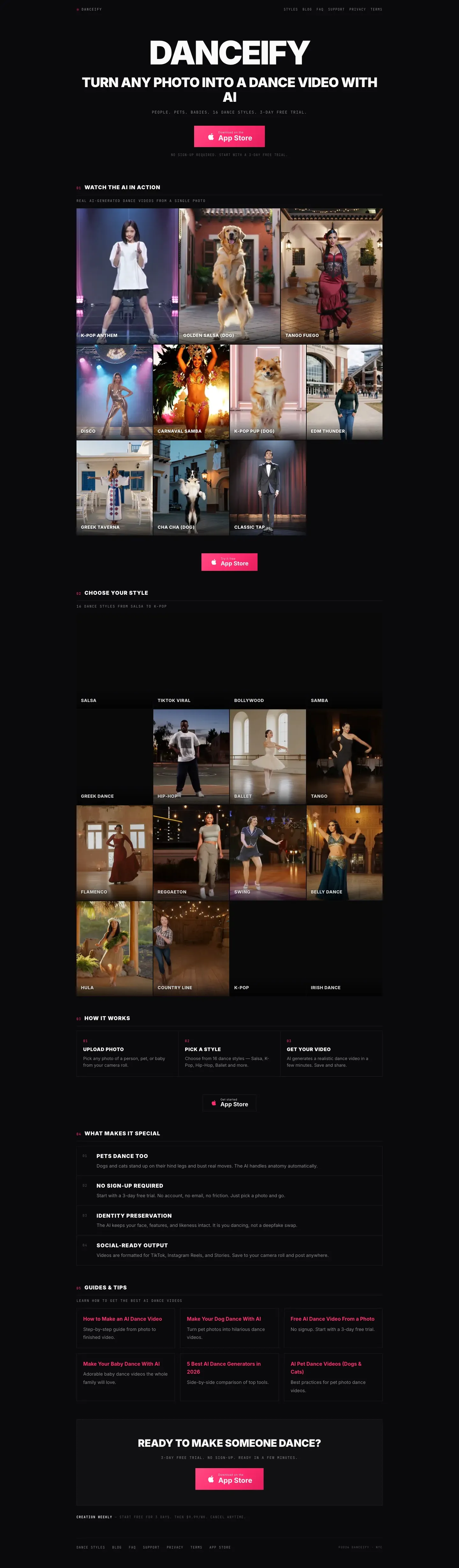
Danceify is my own iPhone app that turns one photo into an AI dance video. I built the app and the marketing site around it, with a page for each of the 16 dance styles and a set of how-to guides.
Story
Danceify is my own product. There was no client on this one. I was the owner, the builder and the person who had to get the word out.
The idea is simple. You pick a photo of a person, a pet or a baby. You pick a dance style. A few minutes later you have a dance video to save and share.
An app needs more than a good idea, though. It needs a store listing people trust. It also needs a website that shows up when someone searches Google for something like “make my dog dance.” So the job was two builds that work as one: the app, and a site that sends people to it.
The app. I built Danceify for iPhone in SwiftUI. The flow is five steps: pick a photo, choose a style, generate the video, add music, then save and share. It works with adults, babies, dogs and cats. There are 16 dance styles, from Salsa to K-Pop to Irish Dance. You can start a 3-day free trial with no account and no email.
The marketing site. The site at danceifyapp.com is plain static pages. The home page puts sample videos near the top, so you see what the app does right away. The page has one job, and the same button shows up again and again: get the app on the App Store.
A page for every style. Each of the 16 dance styles has its own page. Each one has a short background on the dance, the steps to make a video, sample results, a few common questions, and links to related styles.
Guides people search for. I wrote six how-to guides, like “How to Make Your Dog Dance With AI” and “How to Make an AI Dance Video From a Photo for Free.” Each guide walks through the steps, gives photo tips, and links to the styles that fit best.
The basics. The site also has an FAQ, a support page, and privacy and terms pages. An App Store listing needs a privacy policy and a support link, so they live here.
On the App Store listing, Danceify shows 5.0 out of 5 from 11 ratings (as shown on the listing on October 12, 2026). The listing was on version 5.25 that day.
Whole page
Work
Previous
01 / 07
Next


03 / 07
Start
Start with a free check of the site you have now, or tell me what you need built.
Or email hello@loomisbuilds.com